Timesheet software that gets every hour in and approved before the deadline, without anyone chasing it
Each person gets a reminder when their timesheet is short, and you see who’s in on Team timesheets.
- Free for up to 10 people. No card.
- Team from $8 a person a month, billed yearly.
- Prices are before tax. Sales tax is added where it applies.

Your team’s timesheets in and approved by the deadline
Set the deadline once. Reminders go only to the person whose week is short, and Team timesheets shows who has submitted and who’s waiting for approval. Reminders are on from the day you start.


Your people log time where they already work
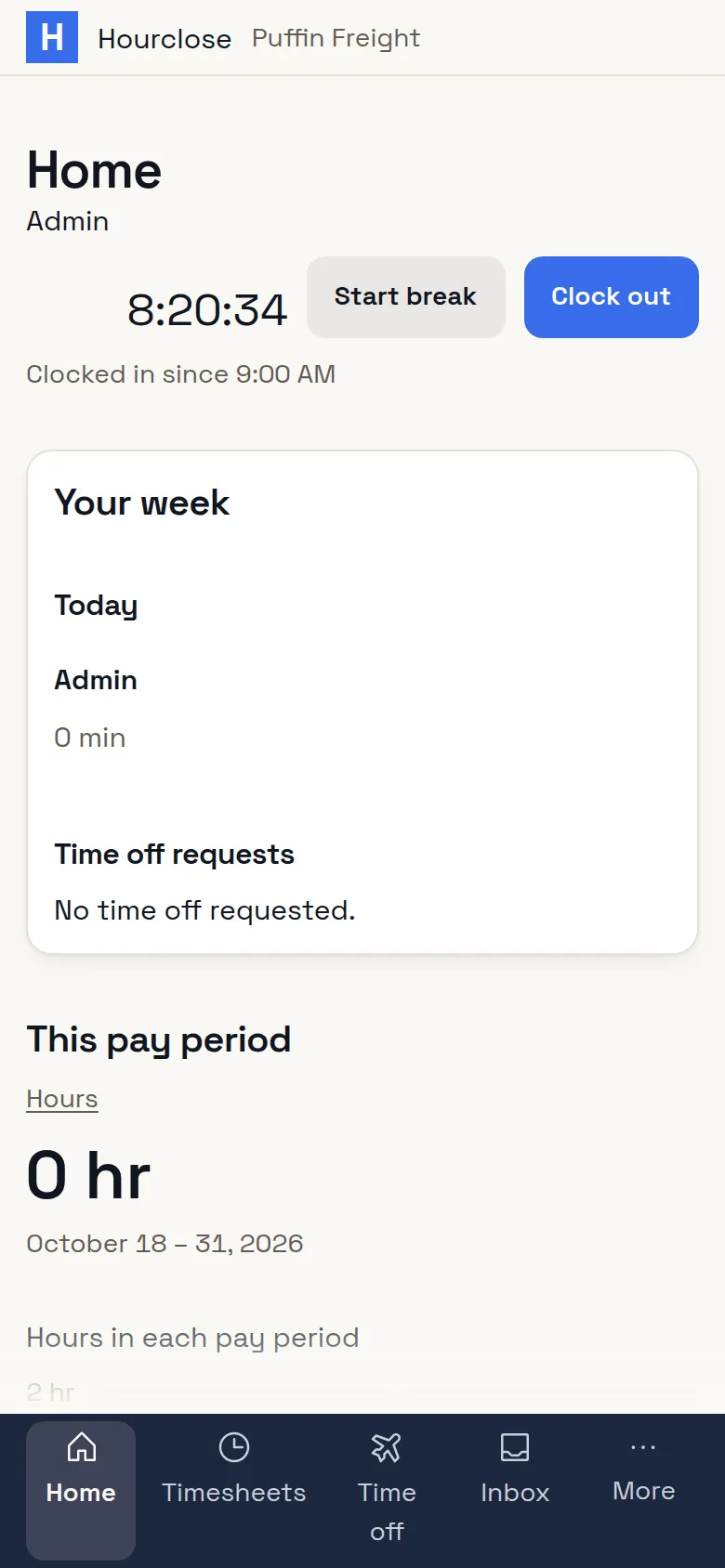
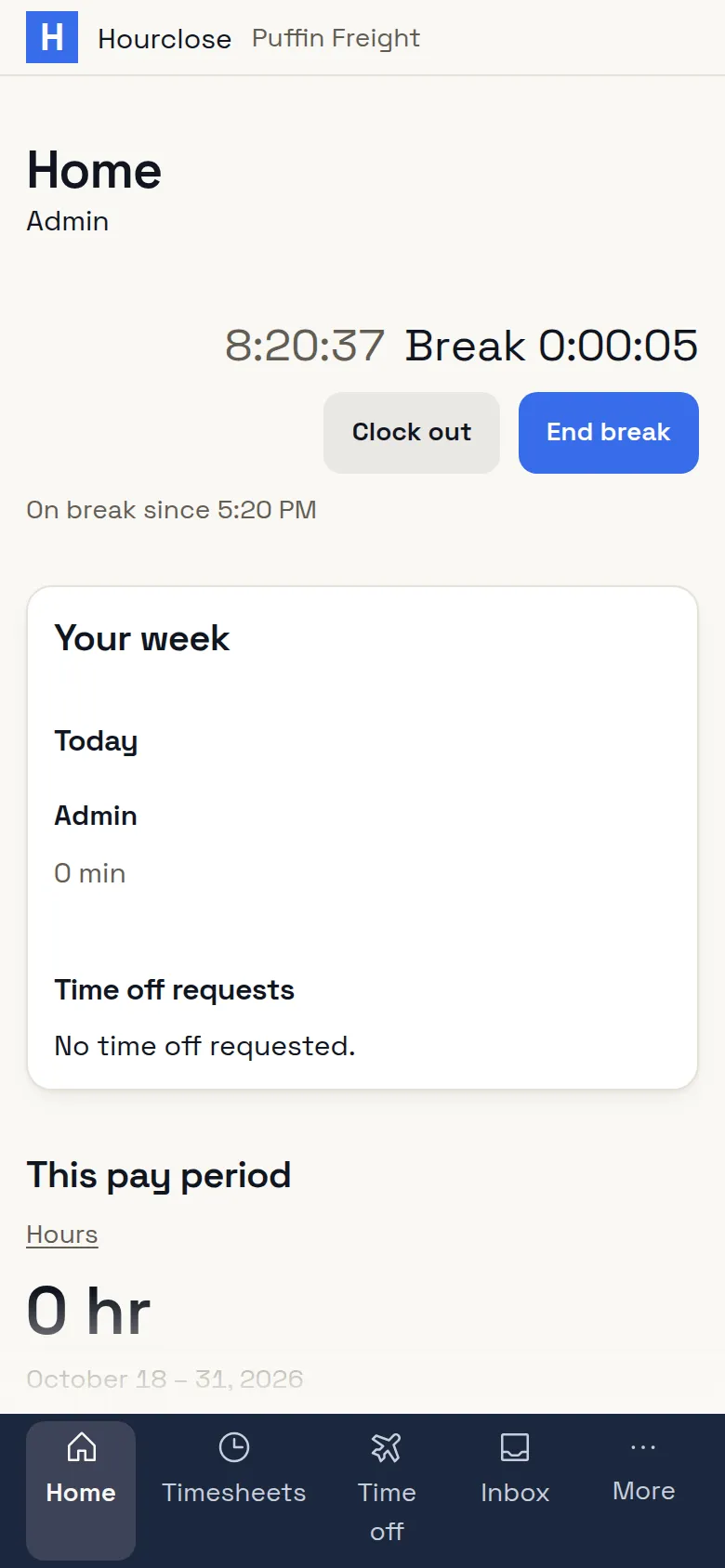
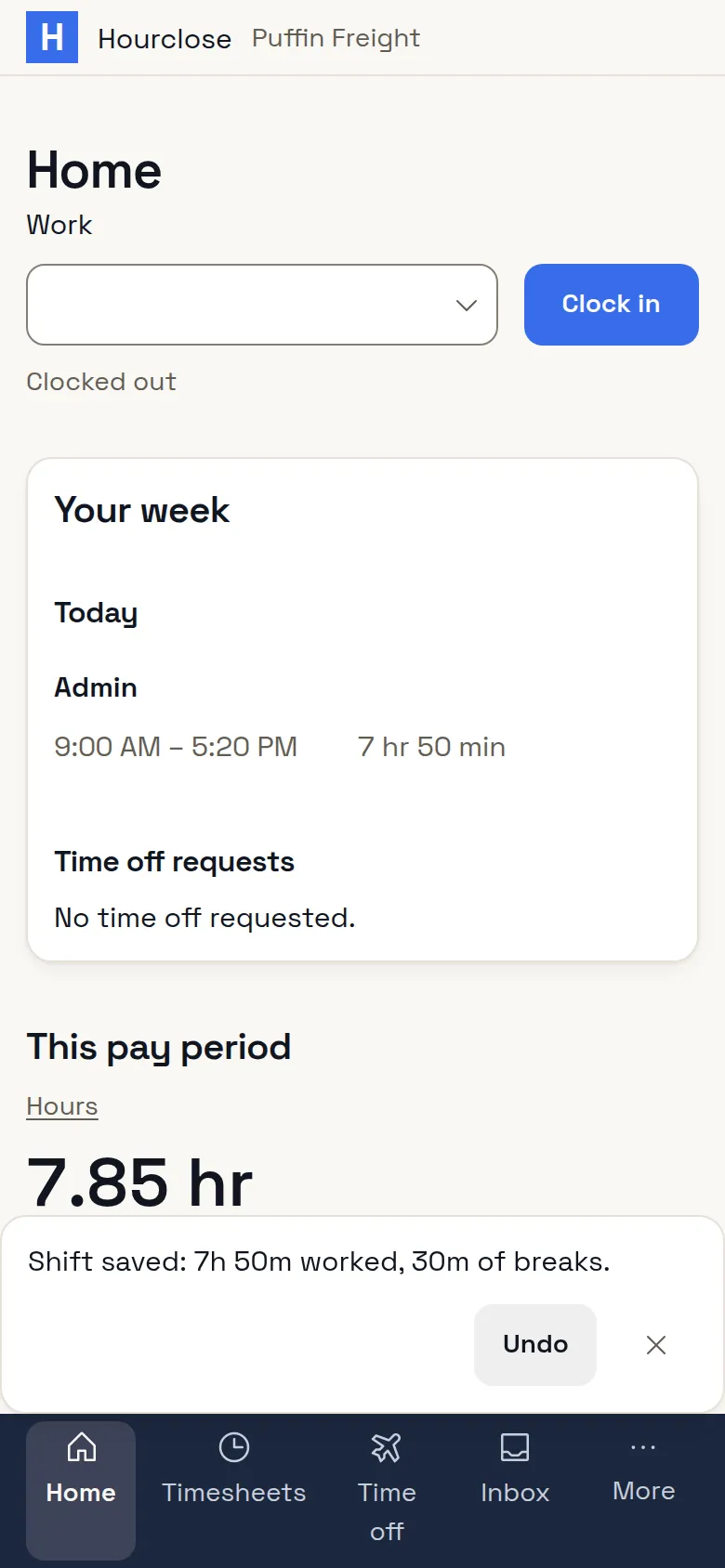
Start a timer on the web, the desktop or the phone, or from the browser extension inside Asana, Trello, ClickUp, Jira, Basecamp, Monday and GitHub. Fill the day or the whole week in a grid. Hourly staff clock in and out with breaks on the phone or a shared kiosk, and an entry made without signal shows as not synced yet until it reaches the timesheet.


Your hours become an invoice or a pay run
Billing firms
Send invoices from submitted time, hourly, retainer, milestone or fixed fee, and your client sees the time behind each line.
See billing firmsPayroll employers
Close each pay period into the payroll file your payroll imports, with hours split by pay type.
See payroll employers
Your country’s rules are filled in for you
Give your company name, country and type of business on one form, and your time off types, holidays, overtime rules, pay period and deadline are set. Add clients and projects or fill the import template, then invite your team by email. We don’t ask for rates, tax or payment details before your team’s first week.


Your staff log their own hours, and nothing else is recorded
No screenshots, activity levels, keystrokes, app tracking or GPS, a clock-in location included. Each person sees their own record.

Free for up to 10 people, for good
Every way of logging time, time off and invoicing, free for a team of up to 10. Team is $8 a person a month billed yearly, or $10 monthly, for any number of people, and your first Team action starts a free trial. Prices are before tax. Sales tax is added where it applies.
Questions
My team won’t use it.
Each person logs where they already work, gets a reminder only when their week is short, and sees their own hours, overtime and time off.
Setup will take forever.
It’s one form. Your country and type of business fill in time off, holidays, overtime and the deadline. Reminders are on from the start.
Get your team’s hours in by the deadline, without chasing anyone
Fill in one form, invite your team by email, and reminders start on their own.